Memorial gift ideas
Personalized memorial gifts that preserve precious memories
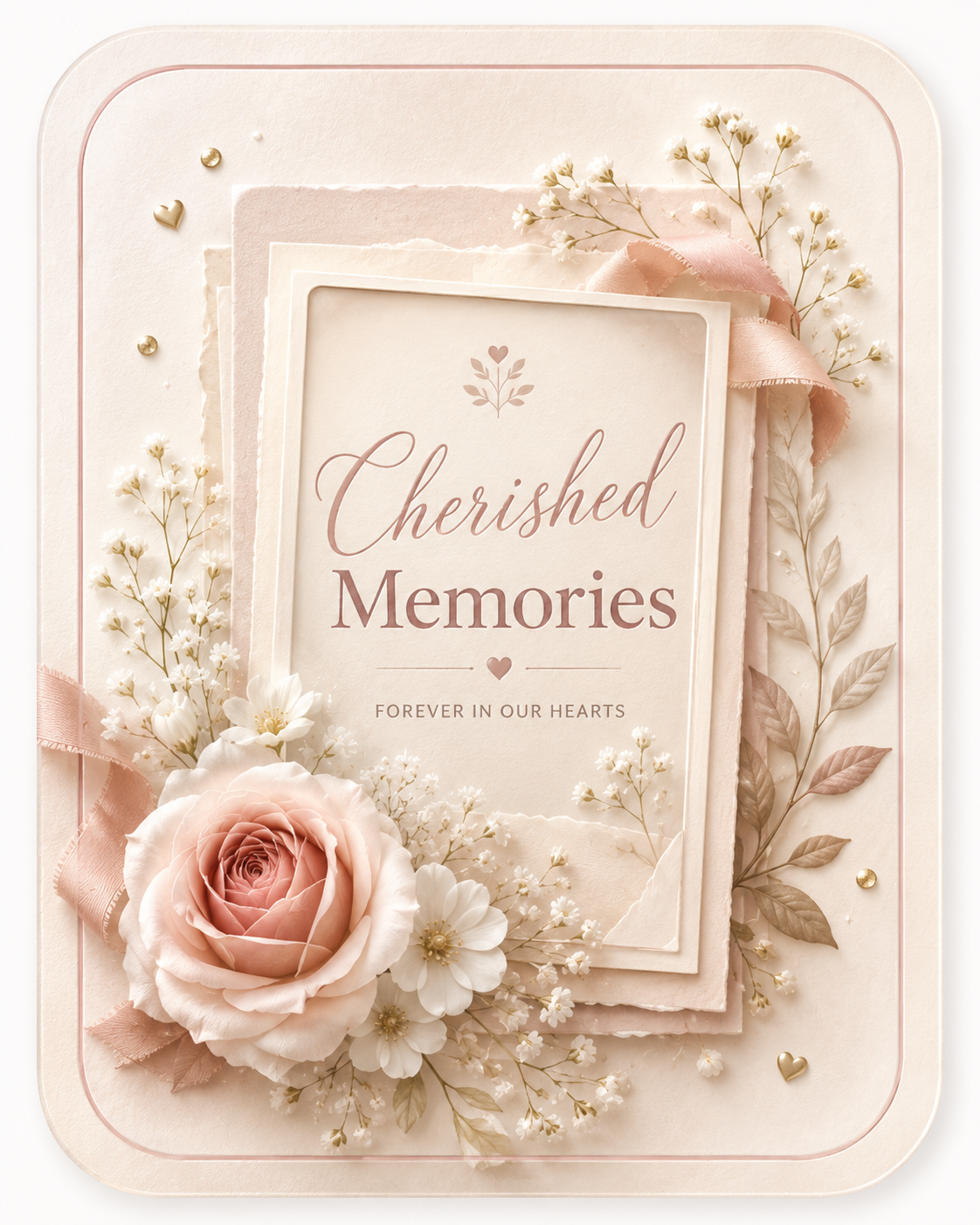
ImgKit helps you create memorial gifts from meaningful photos, short messages, and polished gift layouts. Start from one image, preview the design online, and open Gift Studio when you are ready to make the keepsake your own.
Overview
Why memorial gifts work best when they start with a real photo
A personalized gift becomes stronger when it begins with a real image instead of a generic design. For memorial gifts, the photo gives the gift context before any words are added. It shows the person, relationship, pet, event, or memory that makes the occasion specific. That is why ImgKit focuses on a one-photo workflow: one meaningful image is often enough to make the recipient feel seen, remembered, and understood.
These pages are designed for families, friends, sympathy gifts, remembrance moments, and private tributes. The emotional purpose is to honor a person or memory with care, restraint, and a keepsake people can return to quietly. Instead of asking you to design from scratch, ImgKit gives you a simple path: choose the image, write the message, preview the result, and decide whether the finished keepsake is ready to download. The process keeps the photo central while still giving the gift enough polish to feel intentional.
Digital keepsakes are useful because they can move as quickly as real life does. You can send the finished image in a message, save it privately, print it for personal use, or keep it as a small reminder. That flexibility matters for birthdays, anniversaries, memorials, weddings, Mother’s Day, pet memorials, graduations, and other moments where timing and feeling both matter.
Benefits
Benefits of making memorial gifts with ImgKit
Gentle by default
The best memorial gift gives the photo room to breathe and avoids loud visual effects.
Useful for sympathy
A photo-based keepsake can acknowledge loss when words alone feel difficult.
Easy to keep private
The finished image can be shared only with the people who should receive it.
The practical benefit is speed, but the more important benefit is focus. ImgKit helps keep the gift built around the memory, not around a crowded decoration. You do not need a complex editor or a full album. You need one clear photo, a message that sounds like you, and a design that supports the occasion. That balance makes the final image easier to send and easier to keep.
Another benefit is that the preview step lowers the pressure. You can see how the image, message, and layout work together before committing to a finished download. If the wording feels too long, you can shorten it. If the design feels too bright or too formal, you can adjust the mood. If the photo does not carry the feeling, you can start again with a better one.
Photo guidance
Choosing the right photo
Choose a photo that feels peaceful and recognizable. It may be a portrait, a family image, or a moment connected to the person being remembered.
The best image is not always the most technically perfect one. A slightly imperfect photo can still become a meaningful gift if it carries the right memory. Look for a picture with a clear subject, enough light, and a feeling that fits the occasion. Avoid images where the subject is too small, the background is too busy, or the emotion is hard to read. If you need to prepare the image first, ImgKit also links to browser-based image tools for resizing, cropping, conversion, and compression.
When the photo is chosen well, the rest of the page can stay simple. A personalized gift does not need to shout. The image already tells the story; the design only needs to frame it and the message only needs to clarify why the moment matters.
Message guidance
Writing a message that fits the moment
Memorial messages should be gentle. A name, date, thank-you, or short remembrance line can be enough.
A common mistake is trying to fit too much into the card. Long paragraphs can be meaningful in a letter, but a photo gift usually works better with a concise line. The message should support the image, not compete with it. A name, a date, a thank-you, a blessing, a memory, or a few sincere words can be enough. If you are unsure, write the natural version first, then cut it down until every word earns its space.
The right message should sound human. It does not need to be perfect, literary, or formal. It should sound like something you would actually say to the person receiving the gift. That is what makes the keepsake feel personal rather than assembled.
Example gallery
Example memorial gifts layouts
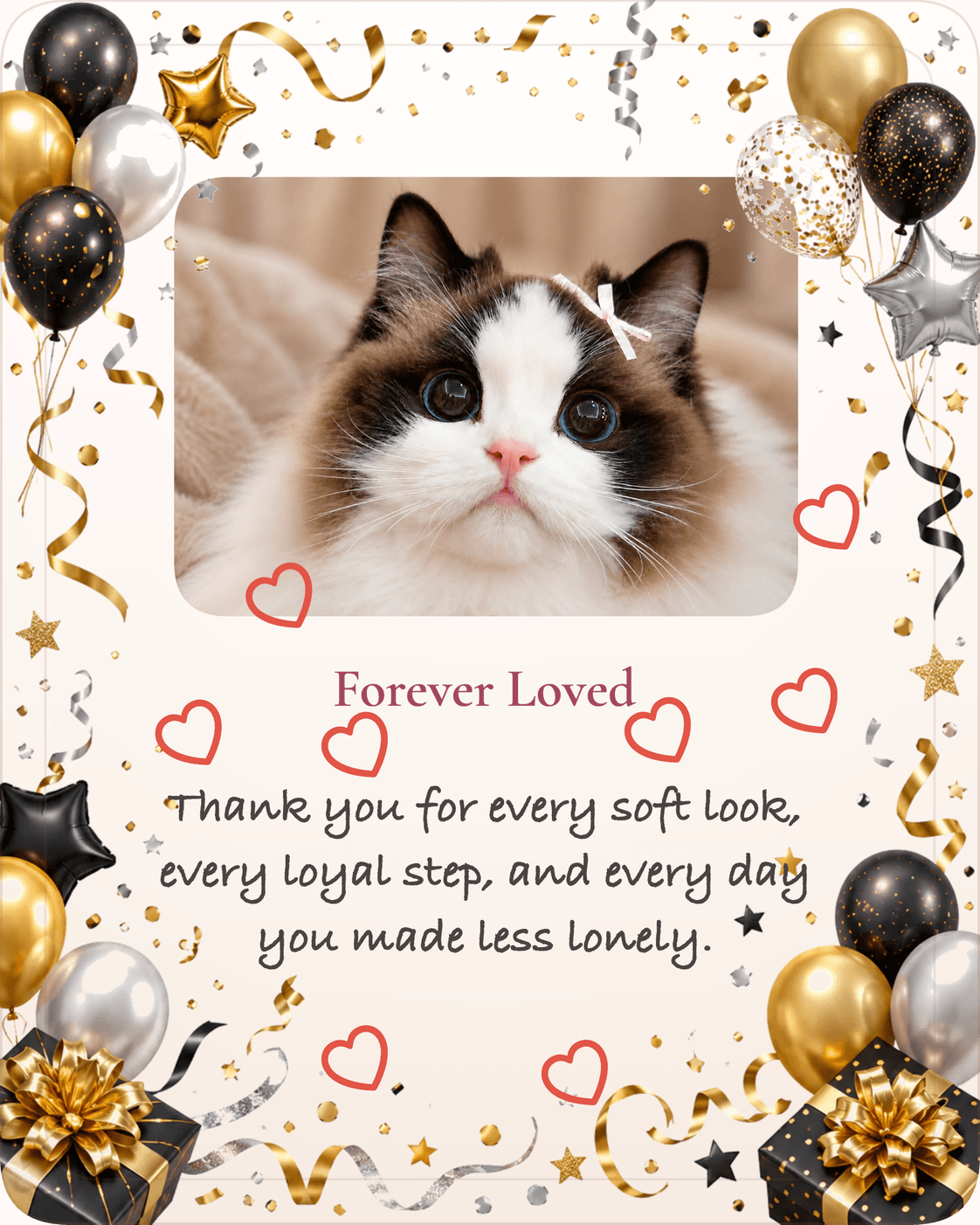

These examples are placeholders that show the kind of before-and-after thinking behind ImgKit. A finished keepsake depends on the photo you choose, the words you add, and the design mood you select in Gift Studio. The example gallery is meant to make the process easier to imagine before you begin.
Design guidance
Design choices that keep the gift personal
Soft colors, calm spacing, and a simple frame help the memorial gift feel respectful rather than decorative.
Design should help the recipient notice the photo and message first. For some occasions, that means warm colors and a celebratory frame. For others, it means quiet spacing, soft contrast, and a restrained mood. The important thing is to match the emotional weight of the moment. A birthday gift can be bright. A memorial gift should usually be calm. A wedding gift can feel elegant. A graduation gift can feel proud and polished.
ImgKit’s Gift Studio gives you a starting point so you can avoid blank-page decisions. You can open the studio from this page, use the linked occasion and style as a starting mood, then adjust the photo and message until the preview feels right.
How it works
How ImgKit helps you create the finished gift
- Start with the image.Choose one meaningful photo and open Gift Studio from this page.
- Add the words.Write a short title or message that fits the person, memory, and occasion.
- Preview before finishing.Check the design online, refine it, and download the HD image only when it feels ready.
A memorial keepsake can be saved privately, shared with family, printed for a remembrance table, or kept as a quiet digital image.
You can also use internal ImgKit pages while planning the gift. The gift ideas hub explains the broader personalized gift workflow, the homepage covers the brand at a glance, and Gift Studio is the place to upload your photo and create the preview. These internal links are included because people often want to understand the product before they begin, then return directly to the studio when they are ready.
FAQ
Frequently asked questions about memorial gifts
How do I create a memorial gift?
Start with one meaningful photo, add a short tribute, and choose a calm design style.
What should a memorial message say?
A name, a date, or one sentence of remembrance is often enough.
Can I keep the gift private?
Yes. The final image can be saved and shared only with people you choose.
Can I print the memorial image?
Yes. The HD image can be printed for personal remembrance use.
What is a memorial gifts gift?
A memorial gifts gift is a personalized keepsake made from one of your own photos combined with a short message and a polished design layout. ImgKit builds it in your browser and delivers a high-resolution download.
How do I create a memorial gifts gift with ImgKit?
Open Gift Studio, upload one meaningful photo, write a short message, choose a design mood that fits the occasion, and preview the result. Download the HD image for $9.99 when it looks right.
How much does a memorial gifts gift cost?
Previewing is always free. The watermark-free HD download costs $9.99. There are no subscriptions or recurring charges.
How long does it take to make a memorial gifts gift?
Most memorial gifts gifts take a few minutes once your photo and message are ready. The workflow is: upload, customize, preview, and download.
What photo should I use for a memorial gifts gift?
Choose a photo with a clear subject and enough light to read the emotion. A portrait, a shared moment, or a meaningful memory all work well. If the image needs cropping or resizing first, use ImgKit's free image tools.
Can I send a memorial gifts gift digitally?
Yes. The downloaded image can be attached to any message, email, or shared via chat directly from your device.
Can I print a memorial gifts gift at home?
Yes. The HD image is sized for personal printing. ImgKit does not ship physical prints but the file works with any print service or home printer.
Is my photo private when I use ImgKit?
Yes. Gift design and preview happen in your browser. Your photo is never uploaded to a server during that process. Only payment and delivery use standard service infrastructure.
Can I preview a memorial gifts gift before paying?
Yes. Gift Studio shows a full preview before any payment is required. You pay only when you decide to download the final file.
Can I make a memorial gifts gift from an old photo?
Yes. Older photos work well when the subject is clear. Use ImgKit's free image tools to crop or resize the photo before opening Gift Studio if needed.
What message should I include in a memorial gifts gift?
Keep the message short and specific. One or two sincere lines — a name, a date, a memory — are usually more powerful than a long paragraph. The photo carries most of the emotion.
Explore more
Keep exploring memorial gifts ideas
Browse related gift ideas, message guides, image tools, and articles connected to this occasion.
Related Guides
Use these how-to pages when you need the next practical step.
Make a pet memorial gift with a gentle message, a clear pet photo, and a calm design that feels respectful and loving.
Read guideHow to Make a Memorial Photo GiftCreate a memorial photo gift with a calm layout, a respectful message, and a photo that helps the memory feel close.
Read guideMemorial photo gift tipsLearn how to choose memorial photos for tribute gifts, remembrance cards, and quiet keepsakes that feel respectful.
Read tipRelated Messages
Use these message pages when the wording needs to match the tone.
Browse 100+ pet memorial message examples for warm, simple, emotional, gentle, and reflective photo gifts.
Browse messagesGift Psychology GuideUnderstand why personalized gifts feel thoughtful, specific, and emotionally meaningful.
Read guideNew baby gift messages that feel gentle and welcomingBrowse 100+ new baby gift message examples for short, warm, emotional, formal, and gentle photo gifts.
Browse messagesRelated Examples
Compare finished examples to check the direction before you decide.
Related Decoration Guides
Choose the style direction that supports the photo and message.
Related Recipient Guides
Match the gift to the person or relationship first.
Related Occasions
Narrow the choice by the occasion that matters most.
Create a gentle pet memorial gift from one favorite photo. Add a heartfelt message, choose a keepsake style, preview free, and download an HD image.
Open pagePet memorial photo gift ideas that feel gentle and respectfulExplore pet memorial gift ideas, photo tips, message examples, and common mistakes before you open ImgKit Gift Studio.
Open ideasLast-Minute Digital GiftNeed a thoughtful gift today? Turn one photo into a personalized digital gift image, preview free, and download an HD keepsake.
Open pageRelated Memory Guides
Keep the archive, timeline, or legacy context clear.
Create remembrance pieces that stay gentle, respectful, and easy to return to when you need them most.
Read articlePreserve MemoriesTurn an important moment into something that stays readable, searchable, and easy to revisit.
Read articleDigital KeepsakesSave memories in digital form so they can be shared, backed up, and reopened on different devices.
Read articleRelated Articles
Read the latest articles for deeper context on this topic.
Learn how to choose meaningful photos, write a gentle message, and create a respectful memorial gift that preserves precious memories.
Read article50 Best Personalized Gift IdeasExplore 50 meaningful personalized gift ideas for birthdays, anniversaries, memorials, weddings, holidays, and everyday moments of appreciation.
Read articleHow Personalized Gifts Strengthen RelationshipsLearn why personalized gifts build stronger relationships by showing attention, preserving memories, and turning shared moments into lasting keepsakes.
Read articleRelated Tools
Use these free browser tools to prepare, edit, or convert your images.
Create your gift
Start your memorial gifts in Gift Studio
Open Gift Studio, upload one meaningful photo, customize the message, and preview the finished design before you decide whether to download it.