Key Takeaways
Key Takeaways
- Source: Every example begins with one user-selected photo.
- Text: A short title and message that can be edited before checkout.
- Design: A selected keepsake frame with optional layout and decorative adjustments.
Gift Studio examples
See clear examples of personalized digital gifts made from one photo for birthdays, pet memorials, anniversaries, thank-yous, graduation, and family moments.
Key Takeaways
Definition
Checklist
Comparison Table
| Situation | Reference page | How-to page |
|---|---|---|
| Goal | Explain the topic | Show the steps |
| Structure | Facts and comparisons | Ordered instructions |
| Best use | Fast answer extraction | Task completion |
Common Mistakes
Best Practices
Summary
The examples below show different emotional directions rather than fixed products. The same Gift Studio editor powers each result. The occasion changes the suggested message, starting decoration, decorative details, and visual tone, while the essential output remains one finished HD digital image.
FAQ
No. They are examples of digital image keepsakes. The HD file can be printed separately for personal use.
Yes. The title and message can be edited before preview and checkout.
No. Examples show directions, and you can compare available decoration styles in Gift Studio.
Yes. Uploading and previewing the personalized design is free.
The examples below show different emotional directions rather than fixed products. The same Gift Studio editor powers each result. The occasion changes the suggested message, starting decoration, decorative details, and visual tone, while the essential output remains one finished HD digital image.
A good example should help with three decisions: which photo to use, how much text fits comfortably, and which design mood supports the relationship. It should not imply that every gift needs more decoration. In many cases, the strongest result is the one that gives the photograph the most room.
Stable facts
Before and after
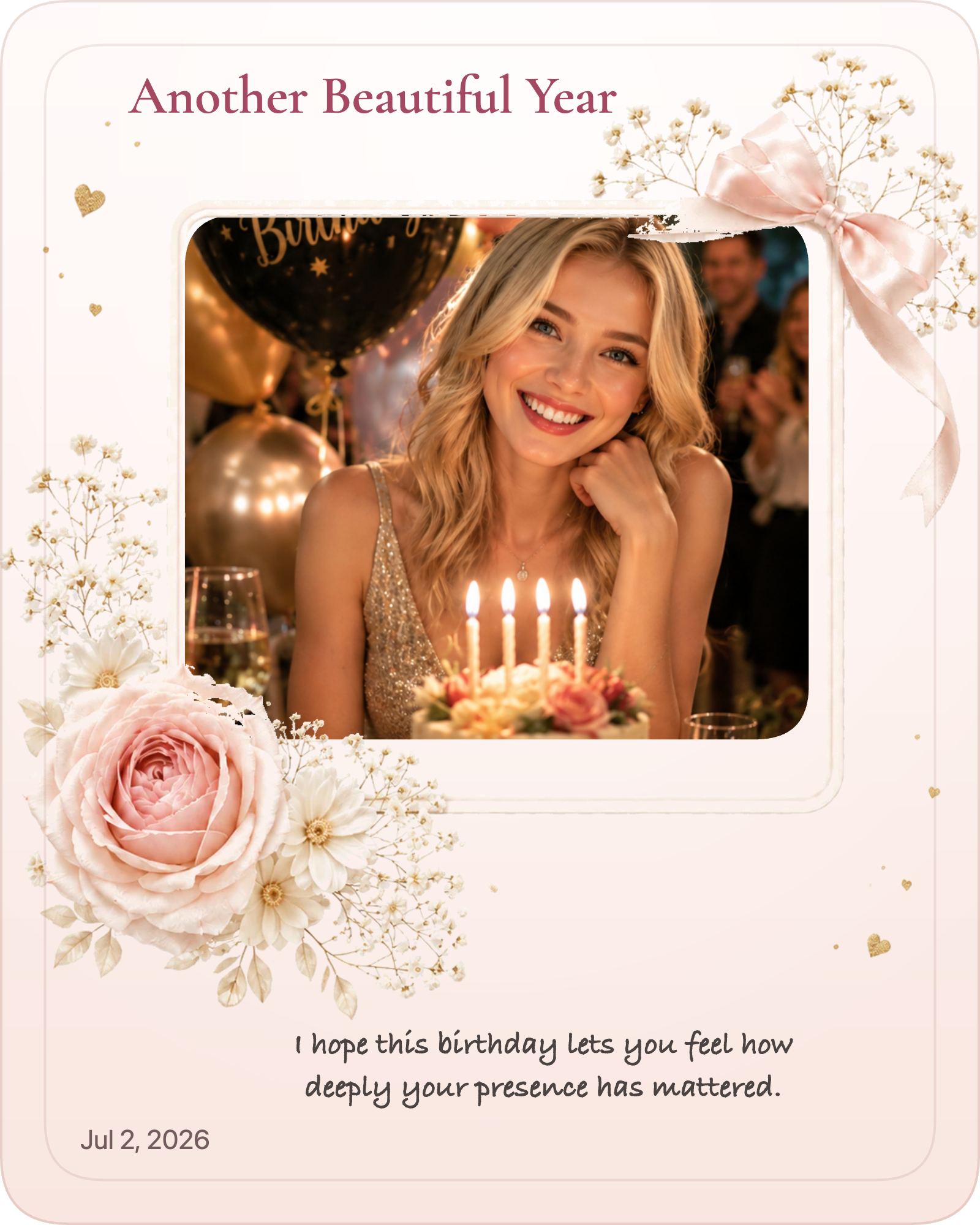
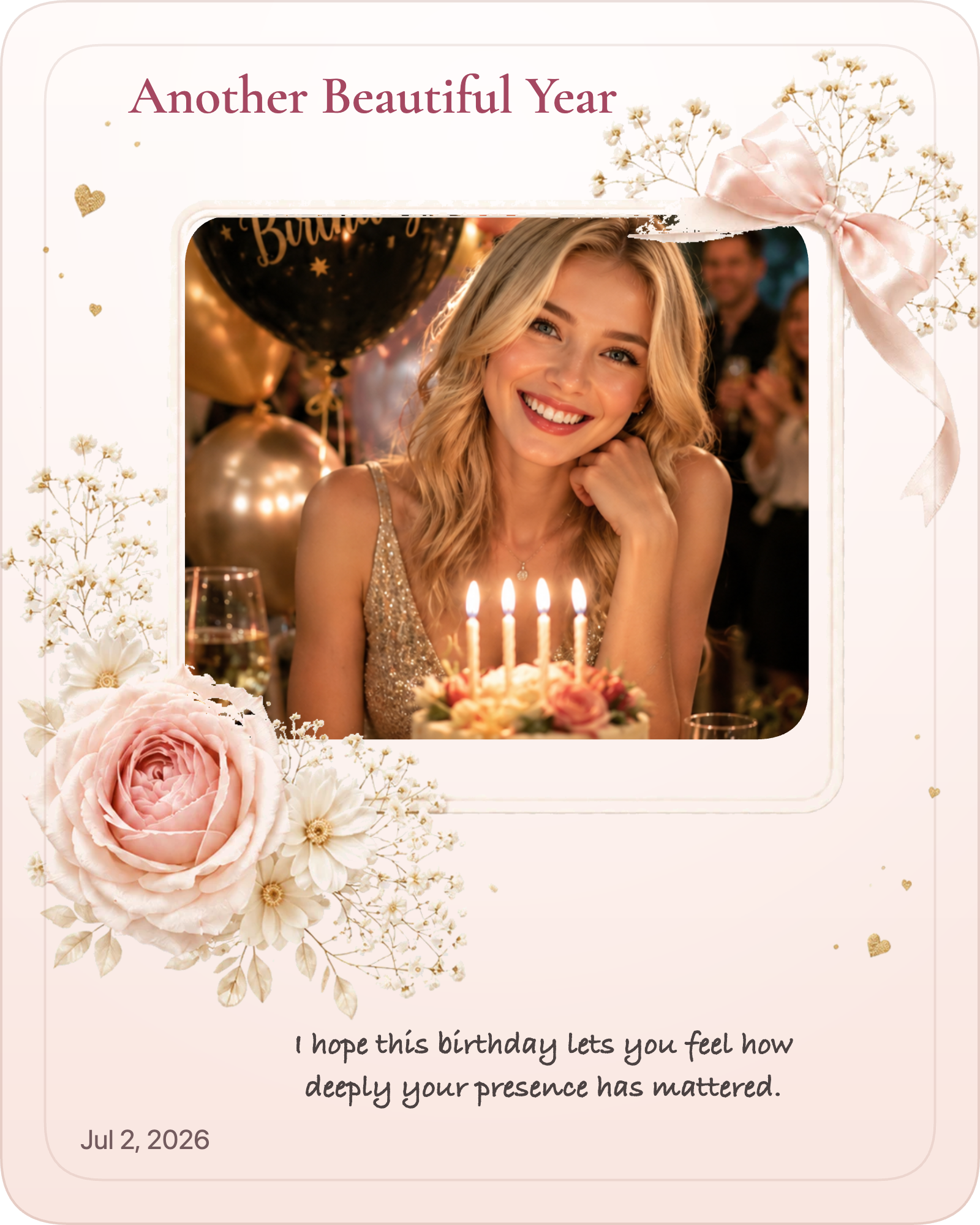
This pair uses the same birthday portrait. The source image remains recognizable while Gift Studio adds a photo window, title, message, and decorative frame.

Examples
A bright but readable direction for a birthday portrait, candid, or shared memory.
Create this kind of gift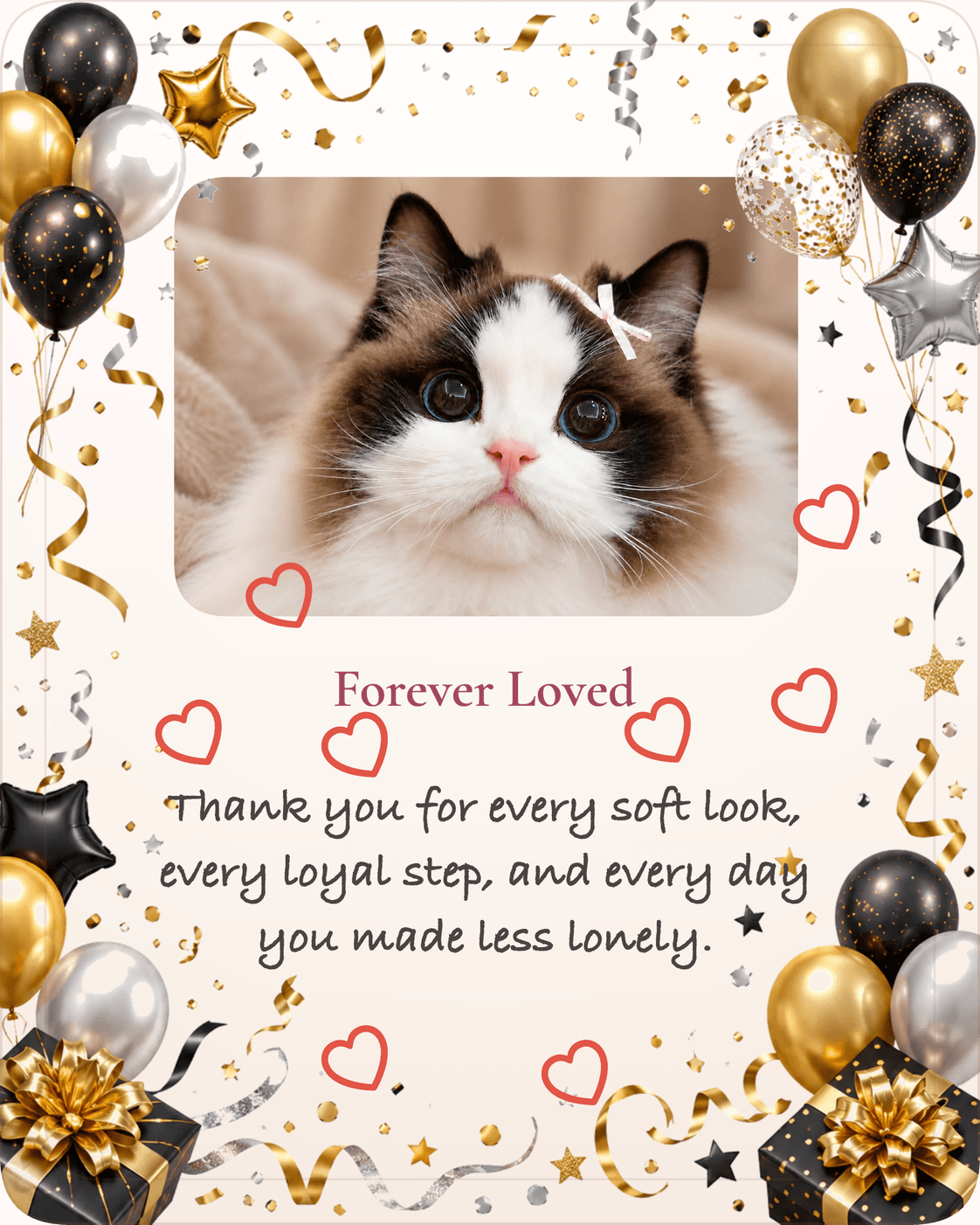
A gentle frame that leaves room for one honest remembrance line.
Create this kind of gift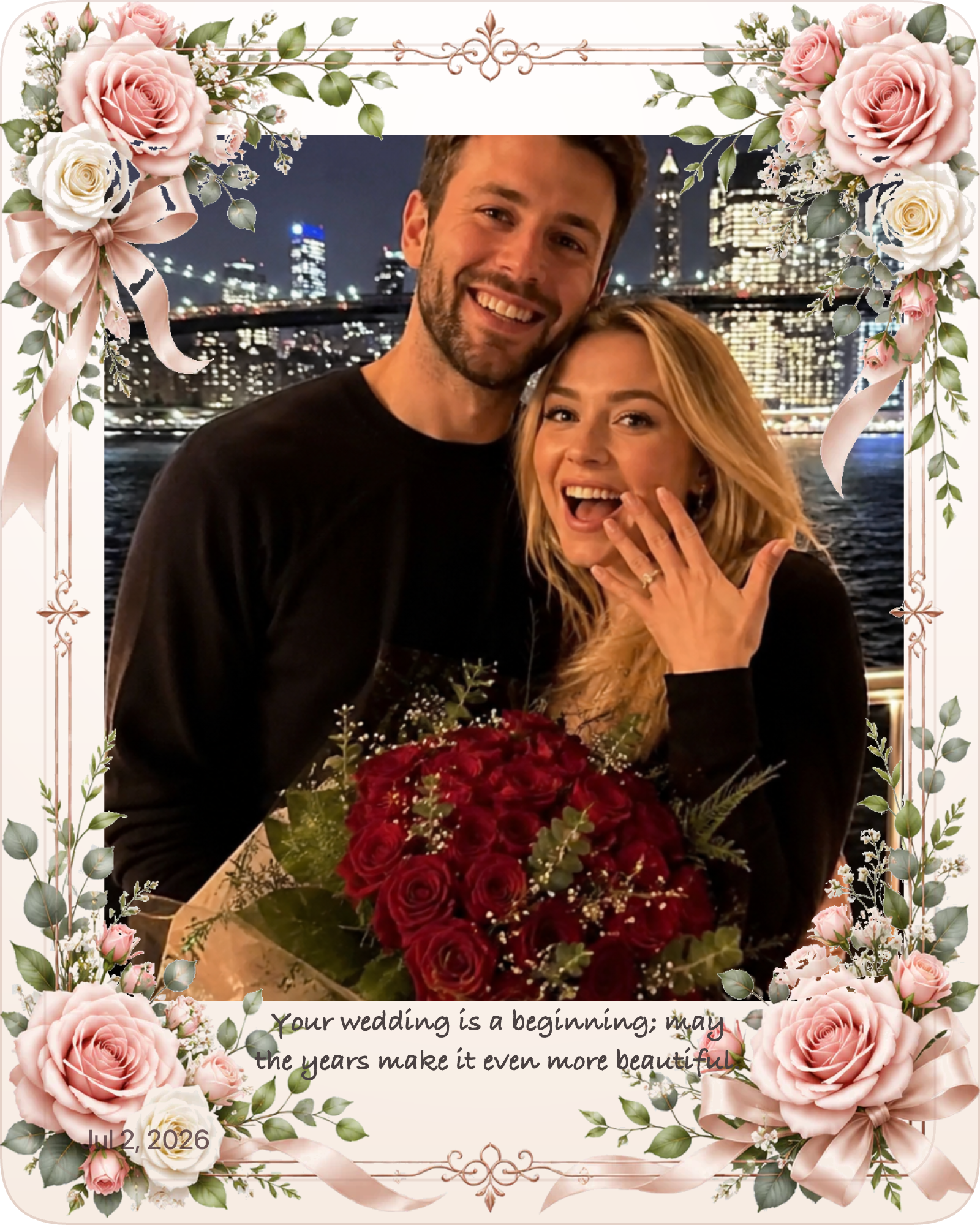
An understated romantic layout for a couple photo and shared-life message.
Create this kind of gift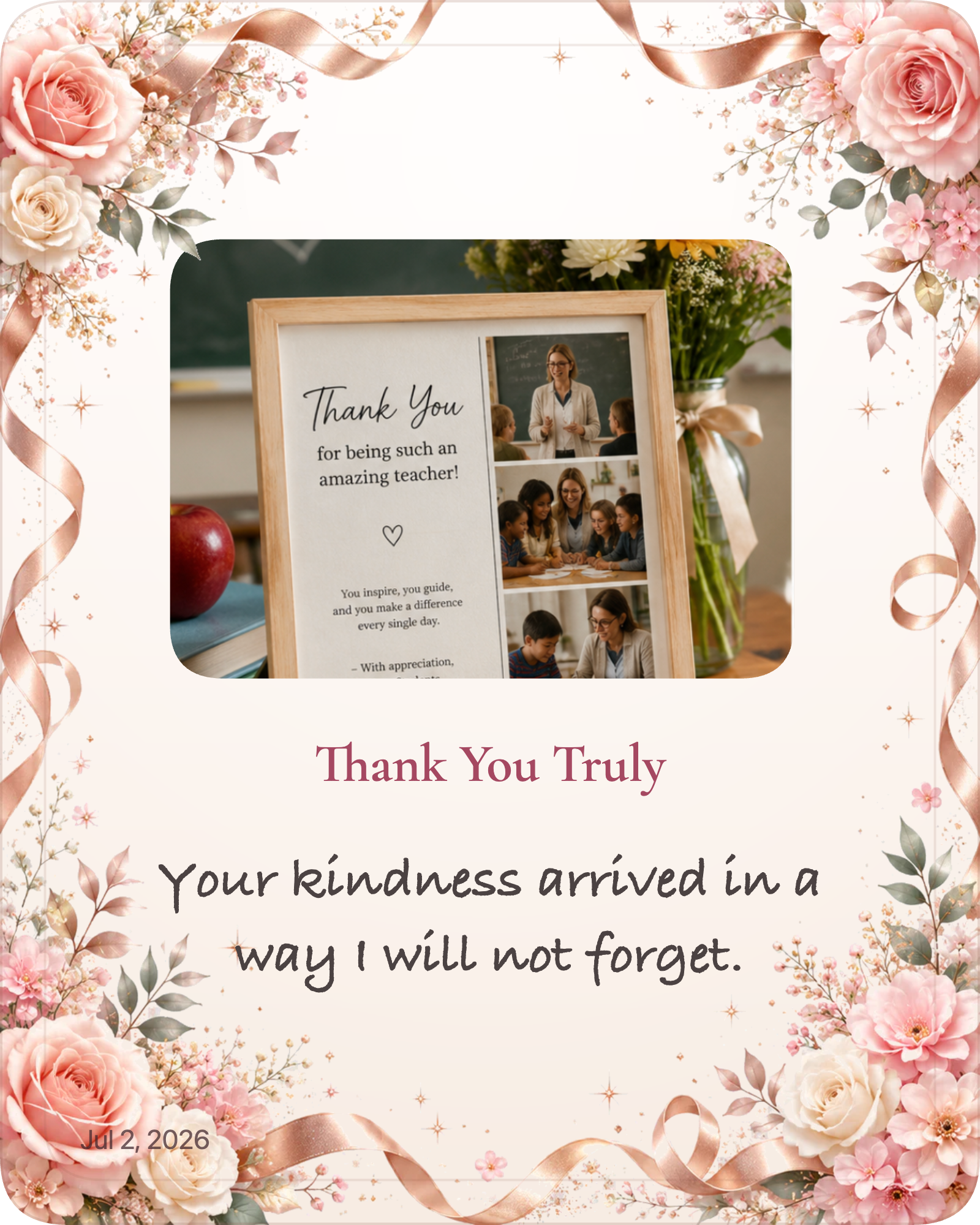
A warm, polished way to make appreciation visual and specific.
Create this kind of gift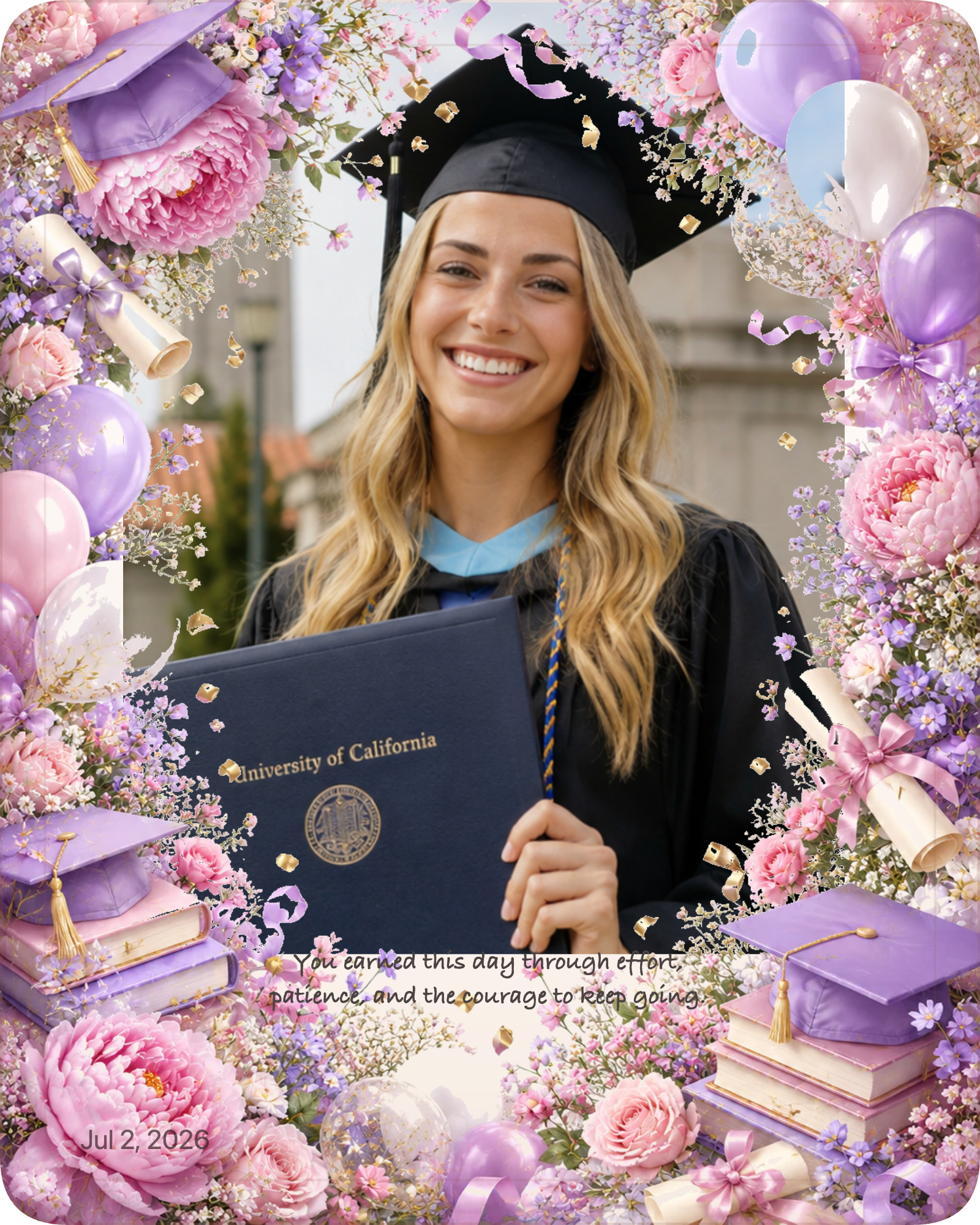
A keepsake that recognizes both the achievement and the effort behind it.
Create this kind of gift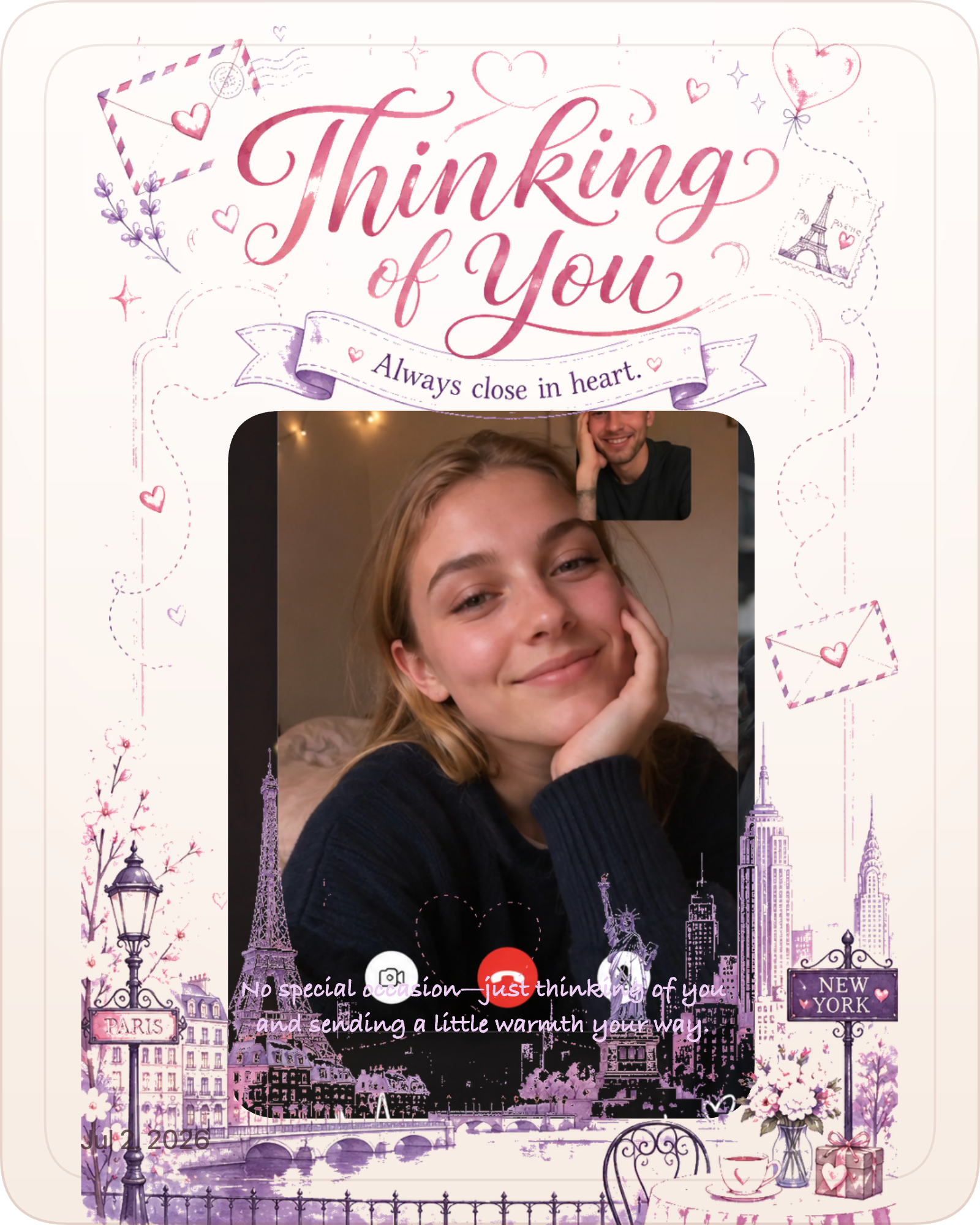
A warm image card that can be sent quickly and kept after the season.
Create this kind of giftTreat each preview as a starting direction. Replace the sample picture and words, then adjust the frame to suit the recipient. The emotional fit of the photo and message matters more than matching the example exactly.
The main subject remains easy to recognize, the text is short enough for mobile reading, and the design supports rather than competes with the photograph. A clear hierarchy—photo first, message second, decoration third—usually produces the most durable keepsake.
Continue exploring
FAQ
No. They are examples of digital image keepsakes. The HD file can be printed separately for personal use.
Yes. The title and message can be edited before preview and checkout.
No. Examples show directions, and you can compare available decoration styles in Gift Studio.
Yes. Uploading and previewing the personalized design is free.
Topic graph
Follow the connected pages below to move from this topic into the closest guides, messages, examples, decoration guides, recipient guides, occasions, and memory guides.
Use these how-to pages when you need the next practical step.
Learn how to create a graduation photo gift that feels proud, polished, and ready to share with family or friends.
Read guideHow to Make a Pet Memorial GiftMake a pet memorial gift with a gentle message, a clear pet photo, and a calm design that feels respectful and loving.
Read guideFamily photo gift ideasLearn how to choose family photos for personalized gifts, including group shots, candid moments, and layout ideas that stay readable.
Read tipUse these message pages when the wording needs to match the tone.
Browse 100+ pet memorial message examples for warm, simple, emotional, gentle, and reflective photo gifts.
Browse messagesGraduation gift messages for a proud milestoneBrowse 100+ graduation gift message examples for warm, simple, emotional, proud, and playful photo gifts.
Browse messagesBirthday gift messages that sound warm and personalBrowse 100+ birthday gift message examples for warm, simple, emotional, playful, and long-distance photo gifts.
Browse messagesCompare finished examples to check the direction before you decide.
Graduation example cards showing how one photo becomes a milestone keepsake with a proud, polished tone.
Open examplesPet MemorialPet memorial example cards showing how one photo becomes a quiet keepsake for a beloved companion.
Open examplesBirthdayBirthday example cards showing how one photo becomes a playful keepsake with a clear celebration tone.
Open examplesChoose the style direction that supports the photo and message.
Match the gift to the person or relationship first.
Narrow the choice by the occasion that matters most.
Create a gentle pet memorial gift from one favorite photo. Add a heartfelt message, choose a keepsake style, preview free, and download an HD image.
Open pageBirthday Photo GiftTurn one birthday photo into a personalized digital gift image with a message, a designed frame, and an HD download.
Open pageGraduation Photo GiftCreate a graduation photo gift from one photo. Preview the design free, choose a style, and download a finished HD keepsake image.
Open pageKeep the archive, timeline, or legacy context clear.
Read the latest articles for deeper context on this topic.
Explore 50 meaningful personalized gift ideas for birthdays, anniversaries, memorials, weddings, holidays, and everyday moments of appreciation.
Read articleBest Birthday Gift Ideas for Family and FriendsDiscover thoughtful birthday gift ideas for family and friends, including personalized photo gifts, custom keepsakes, and last-minute digital gifts.
Read articleHow Personalized Gifts Strengthen RelationshipsLearn why personalized gifts build stronger relationships by showing attention, preserving memories, and turning shared moments into lasting keepsakes.
Read articleUse these free browser tools to prepare, edit, or convert your images.