This gallery shows the source photo, the finished image, and the decoration direction in one place so you can compare the change before you build.
Example Gallery
Retirement example gallery
Browse retirement examples to see how celebration photos can become a polished goodbye-to-one-chapter card.
AI quick summary
Fast answer for search and scan reading
ImgKit's retirement gallery compares the source photo and the finished result so you can judge the transformation quickly.
Start with the category filter that matches the occasion, then compare the before-and-after pair beside the matching decoration style.
Use the gallery as a decision aid, not a copy-paste template, so the final image still feels personal.
Written by ImgKit Creative Team. Fact-checked & Approved by Dylan Ross, Content editor. Last Updated: September 2026.
Category
Retirement
Retirement example cards showing how one photo becomes a respectful keepsake for a major career milestone.
Quick Answer
Quick Answer
This gallery shows the source photo, the finished image, and the decoration direction.
Key Takeaways
Key Takeaways
- The before-and-after pair makes the change easy to see.
- The occasion stays focused on one category.
- The CTA points back to Gift Studio.
Definition
Definition
- Example gallery page
- A page that shows one category of before-and-after example cards so people can compare the source photo and the final image.
Checklist
Checklist
- Compare the source photo and finished card.
- Read the category intro first.
- Open the matching decoration page when the style still feels unclear.
Comparison Table
Before and after
| Situation | Before | After |
|---|---|---|
| Photo state | Source image | Finished preview |
| What to check | Crop and subject | Text and decoration |
| Best use | Choosing the right photo | Checking the final layout |
Common Mistakes
Common Mistakes
- Looking only at the finished image.
- Choosing a category without reading the intro.
- Skipping the decoration link when the style still feels unclear.
Best Practices
Best Practices
- Compare the source photo and finished card side by side.
- Use the category intro to understand the use case.
- Open the decoration page when you need a closer match.
Summary
Summary
Browse retirement examples to see how celebration photos can become a polished goodbye-to-one-chapter card.
FAQ
FAQ
What does the retirement example gallery show?
It shows real before-and-after examples for retirement, including the source photo, the finished image, and the decoration direction that ties them together.
Can I make a similar result in Gift Studio?
Yes. Open Gift Studio, choose the matching occasion, upload your photo, and start with a decoration and message style that feels close to the example.
Why is this page useful for search?
The page combines source photos, finished outputs, decoration links, related guides, and readable category copy so search engines can understand the use case and the transformation.
Example cards
Before and after examples

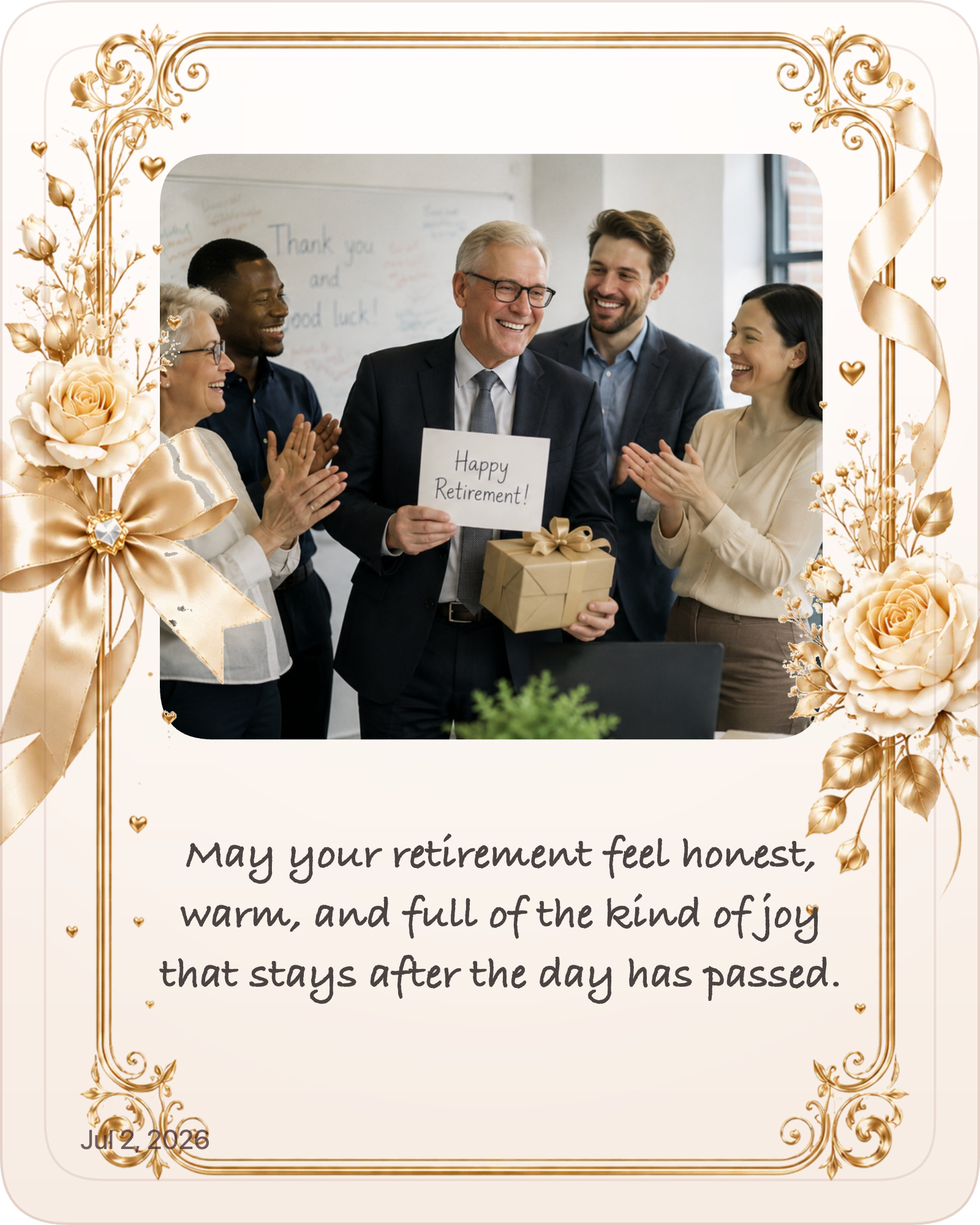
Retirement & Promotion
A classic retirement keepsake that feels polished and easy to share.
Why this Photo works: The photo works because the source image keeps the subject visible and gives the eye a clean place to land before decoration is added.
Why this Message works: The message works because the classic tone matches retirement and stays readable beside the image.
Decoration Insight: Decoration insight: the retirement decoration family supports the memory without taking over the frame.

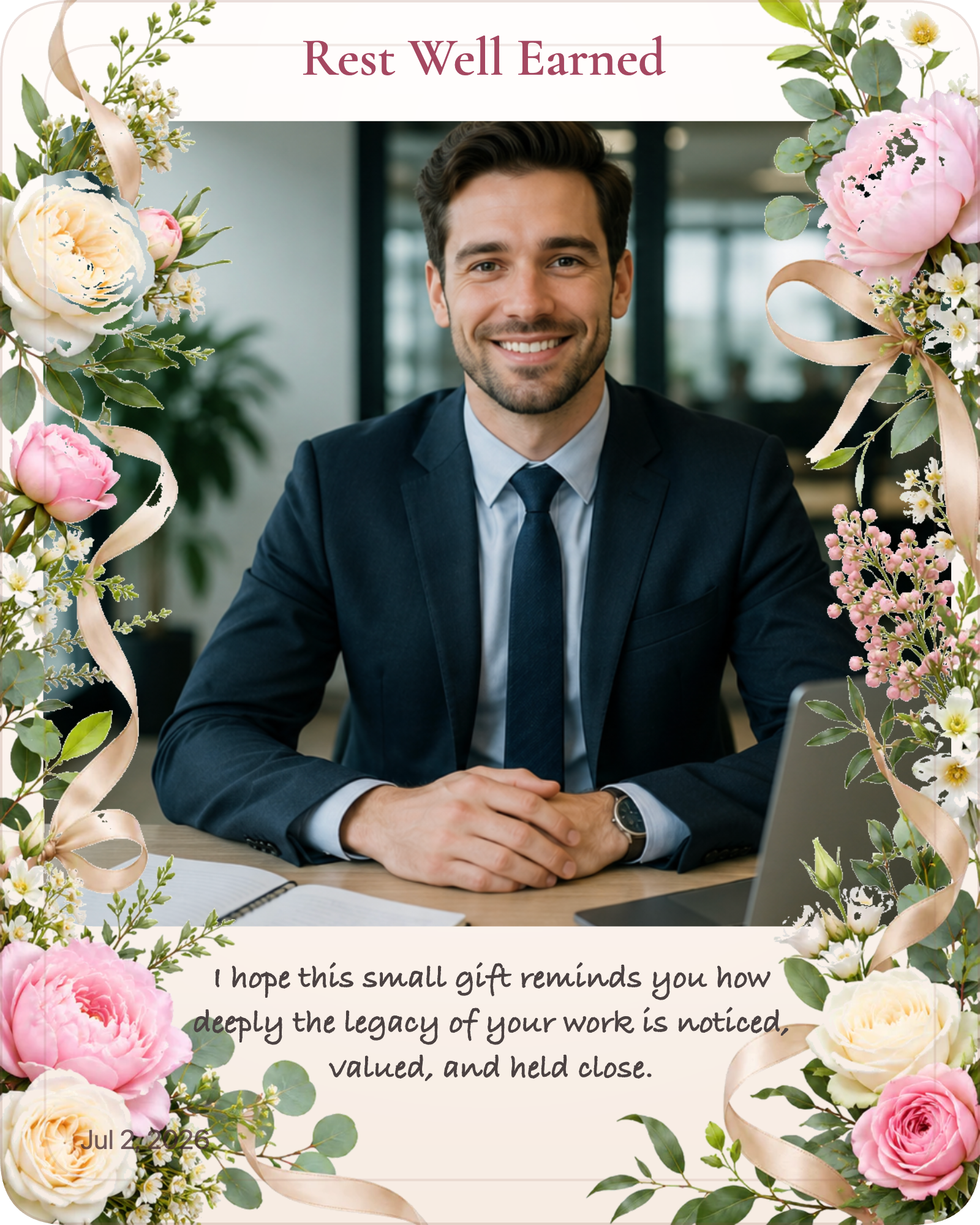
Retirement & Promotion
A warm retirement keepsake that feels polished and easy to share.
Why this Photo works: The photo works because the source image keeps the subject visible and gives the eye a clean place to land before decoration is added.
Why this Message works: The message works because the warm tone matches retirement and stays readable beside the image.
Decoration Insight: Decoration insight: the retirement decoration family supports the memory without taking over the frame.
Related decorations
Related decoration categories
FAQ
Common questions about these examples
What does the retirement example gallery show?
It shows real before-and-after examples for retirement, including the source photo, the finished image, and the decoration direction that ties them together.
Can I make a similar result in Gift Studio?
Yes. Open Gift Studio, choose the matching occasion, upload your photo, and start with a decoration and message style that feels close to the example.
Why is this page useful for search?
The page combines source photos, finished outputs, decoration links, related guides, and readable category copy so search engines can understand the use case and the transformation.
Topic graph
Keep exploring Retirement example gallery
Follow the connected pages below to move from this topic into the closest guides, messages, examples, decoration guides, recipient guides, occasions, and memory guides.
Related Guides
Use these how-to pages when you need the next practical step.
How to Make a Retirement Keepsake
Learn how to make a retirement keepsake with a polished photo, a respectful message, and a decoration style that feels milestone-ready.
Read guideHow to Choose a Photo Gift DecorationChoose a photo gift decoration that matches the photo, the occasion, and the tone you want the final gift to carry.
Read guidePet photo gift tipsLearn how to choose the best pet photos for gifts, including memorials, portraits, and close-up images that still feel respectful.
Read tipRelated Messages
Use these message pages when the wording needs to match the tone.
Retirement gift messages that feel proud and thoughtful
Browse 100+ retirement gift message examples for short, warm, emotional, formal, and reflective photo gifts.
Browse messagesTeacher appreciation messages that feel grateful and respectfulBrowse 100+ teacher appreciation message examples for short, warm, emotional, formal, and friendly photo gifts.
Browse messagesRelated Examples
Compare finished examples to check the direction before you decide.
New Job
New job example cards showing how one photo becomes a professional keepsake for career milestones.
Open examplesCongratulationsCongratulations example cards showing how one photo becomes a milestone keepsake with a polished finish.
Open examplesFatherFather example cards showing how one photo becomes a clean, direct keepsake for Father’s Day and family moments.
Open examplesRelated Decoration Guides
Choose the style direction that supports the photo and message.
Related Recipient Guides
Match the gift to the person or relationship first.
Boss
Use this page when you want the gift to feel respectful, polished, and easy to share with the team.
Open pageCoworkerUse this page when you want the gift to feel professional, warm, and appropriate for the workplace.
Open pageGrandfatherUse this page when you want the keepsake to feel respectful, steady, and grounded in a real memory.
Open pageRelated Occasions
Narrow the choice by the occasion that matters most.
Promotion Photo Gift
Create a promotion photo gift from one photo. Preview the design free, choose a style, and download a finished HD keepsake image.
Open pageRetirement Celebration Photo GiftCreate a retirement celebration photo gift from one photo. Preview the design free, choose a style, and download a finished HD keepsake image.
Open pageRetirement Photo GiftCreate a retirement photo gift from one photo. Preview the design free, choose a style, and download a finished HD keepsake image.
Open pageRelated Memory Guides
Keep the archive, timeline, or legacy context clear.
Related Articles
Read the latest articles for deeper context on this topic.
Related Tools
Use these free browser tools to prepare, edit, or convert your images.
Image to PDF Converter
Convert JPG, PNG, and WebP images into a single PDF in your browser. Free, private, and local for supported files.
Open toolImage Resize ToolResize images to exact dimensions in the browser for websites, stores, profile images, and upload requirements.
Open toolPNG to WebP ConverterConvert PNG images to smaller WebP files in your browser while keeping transparency when the browser encoder supports it.
Open toolCreate yours
Use this category as a starting point
Preview the result free, then open Gift Studio with the right occasion preselected.